
One-day intensive · Hands-on throughout · Core skills
TCP/IP Deep Dive with Wireshark
Capture. Filter. Prove.
Most networks get blamed for problems they didn't cause. This day is about the evidence — capturing in the right place, filtering to the conversation that matters, and reading TCP closely enough to say where the delay actually lives.
Reserve your seat Early bird CGREER $100 off Registration is open
- Date
- Saturday 26 June 2027
8am–5pm, doors 7:30am - Venue
- AC Hotel Bellevue
Bellevue, Washington - Instructor
- Chris Greer
Packet Pioneer - Price
- $1,500
per seat · $2,000 both days
Abstract
A one-day, all-labs training that gives you a working foundation in packet capture and protocol analysis. You'll set up capture properly, build the filters, columns and profiles that make Wireshark fast, and then spend the afternoon inside TCP: handshakes, round-trip time, window behaviour, retransmissions and encrypted flows.
Every concept is applied immediately against real captures, and you finish by turning what you found into a graph that a manager can read. Bring a pcap from your own network if you have one — there's time for it.
Who it's for
Engineers and analysts who need packet-level proof rather than a dashboard's opinion. No prior Wireshark experience is required.
Network & systems
Network, systems and infrastructure engineers who get handed “the network is slow.”
NOC & support
NOC, service desk and support staff who need to escalate with evidence attached.
Security analysts
Analysts who read captures occasionally and want to stop guessing at TCP.
You should be generally familiar with routing and switching, IP addressing and TCP port assignments, SPAN and mirror functions, firewalls and load balancers, and basic cybersecurity principles. If you already live in the packet list, the afternoon will still stretch you.
What you'll
be able to do
Capture
Choose where to capture in a switched network — TAP, SPAN or on-device — so the packets you get are the packets you need, and build a Wireshark profile you keep using afterward.
Analyse
Read the handshake, measure round-trip time, and tell a window stall apart from a congested link, a slow server and a slow application.
Prove
Turn a capture into a stream graph or I/O graph that makes the problem obvious to people who don't read packets.
Outline
Course outline
The day runs in two movements: get the capture right, then take TCP apart.
Morning · Capture and filter
Where to tap and what to filter, capture filters against display filters, and the custom columns and profiles that turn Wireshark into something you can move fast in. Then the protocols underneath — ARP, IP, STP, DNS and DHCP — and what each looks like when it misbehaves.
Afternoon · TCP under pressure
The handshake, iRTT, flags, options and sequence numbers. The receive window, window troubleshooting and the congestion window. An introduction to TLS decryption and failed handshakes. Finally, graphing what you found.
What you'll work through
Each module is anchored to the filter or menu path it's taught with.
Capture setup · TAP / SPAN / on-device
Installing and configuring Wireshark, and choosing where to capture in a switched environment so the packets you get are the packets you need.
!(arp || dns || icmp)
Capture filters against display filters, plus the custom columns and profiles that turn Wireshark into a tool you can move fast in.
arp || stp || dns || dhcp
Reading the core protocols that keep a network standing up, and what each looks like when it misbehaves.
Statistics › Conversations, Endpoints
Working top down: the noisiest talker, the slowest conversation, and the host that shouldn't be there.
tcp.flags.syn == 1 && tcp.flags.ack == 0
TCP fundamentals — the handshake, initial round-trip time, flags, options, and what sequence and acknowledgment numbers really tell you.
tcp.analysis.zero_window
The receive window, window troubleshooting and the congestion window: separating a slow application from a slow network, with evidence.
tls.handshake.type == 1
An introduction to TLS encryption and decryption, and troubleshooting encrypted flows and failed handshakes without seeing the payload.
Statistics › TCP Stream Graphs, I/O Graph
Turning a capture into a picture: the graphs that make a performance problem obvious to people who don't read packets.
Every exercise is performed live and in class. You leave with the profile you built, the captures you worked, and a method you can run on Monday.
Before you
arrive
Prerequisites
Comfort with routing and switching, IP addressing and TCP ports, SPAN and mirror functions, and where firewalls and load balancers sit in a path. No Wireshark experience needed.
What to bring
A laptop running Linux, Windows or macOS with a current build of Wireshark, and local admin rights so you can capture. Optionally, a pcap from your own network.
Provided on the day: all lab captures and training material. Sessions are not recorded, and materials go only to people who attend in person.
Certificate
Every student who completes the training receives a continuing education certificate in both forms — a printed copy and a digital version you can file for CPE records or add to your LinkedIn profile.
Your trainer
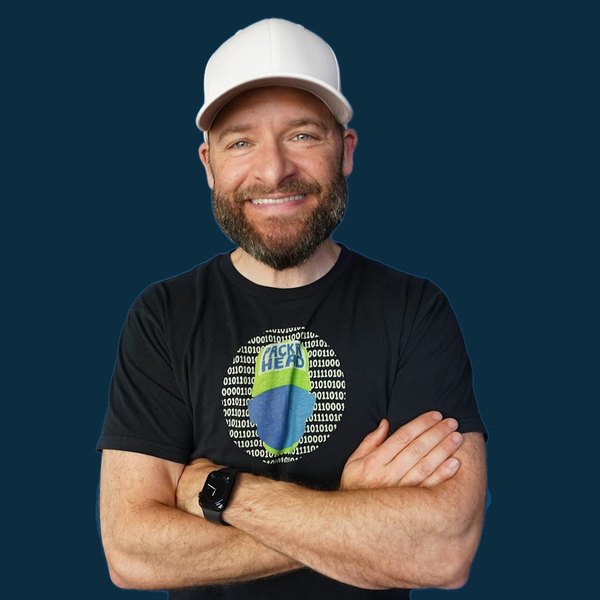
Chris Greer
Network analyst · Packet Pioneer
Chris is a network analyst and Wireshark instructor at Packet Pioneer, a Wireshark University Certified Training Partner. He spends his working life in other people's captures, chasing latency, retransmissions and the traffic nobody meant to send.
He teaches the way he troubleshoots: open the file, ask a question, filter, prove it. Both of his Switchback courses run as labs from the first session, on captures you keep.
- Role
- Network analyst and Wireshark instructor
- Company
- Packet Pioneer LLC
- Partner
- Wireshark University Certified Training Partner
- Teaches
- TCP/IP Deep Dive · Threat Hunting
Register
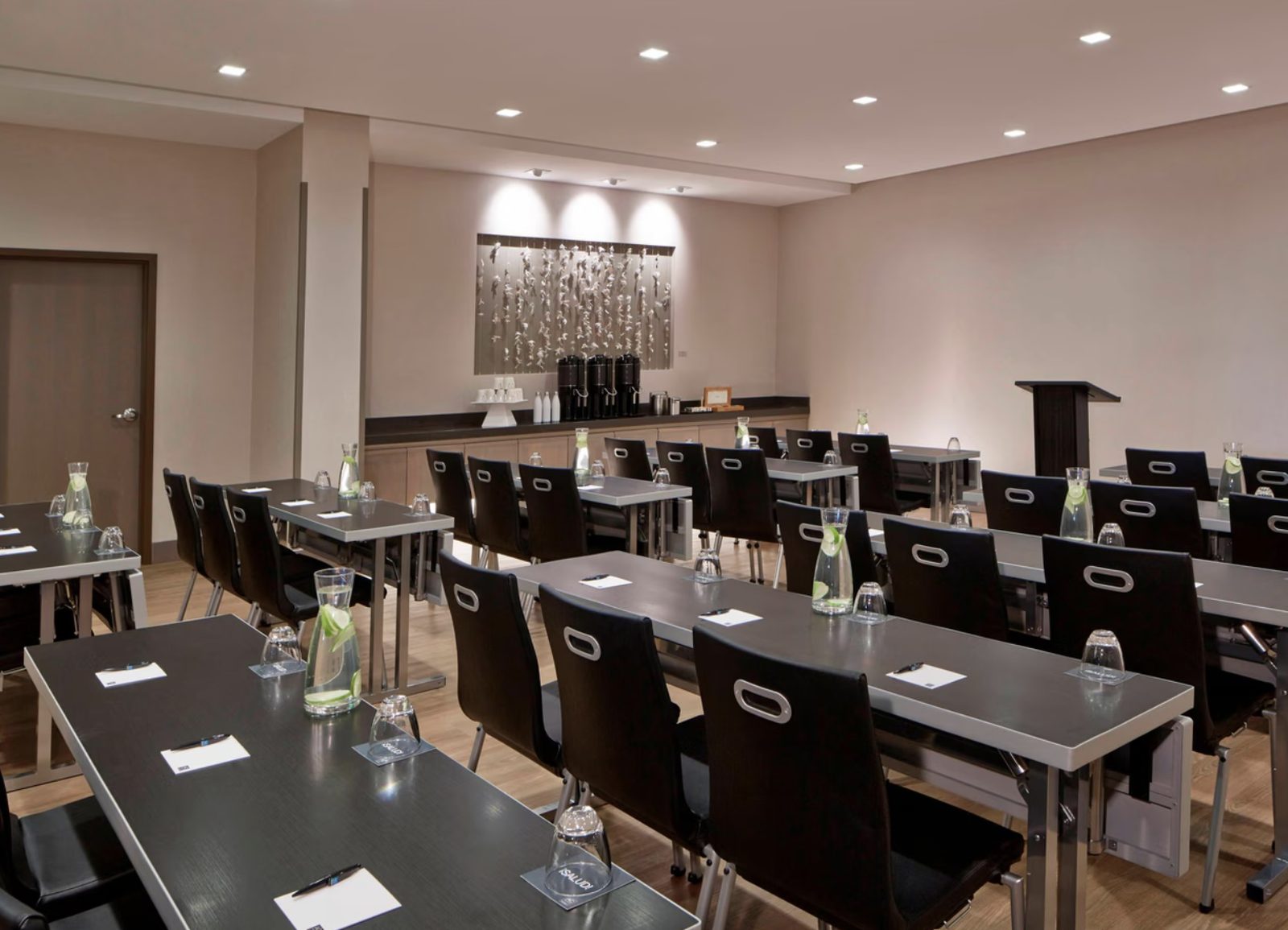
One day · AC Hotel Bellevue, WA
A one-day, 8 hour training on Saturday 26 June, 8am to 5pm, with doors at 7:30am. $1,500 per seat, or $2,000 booked together with Threat Hunting with Wireshark on the Sunday. The code CGREER takes $100 off, through 28 November.
Part of the June 26–27, 2027 event — see the full event, venue and the other training that weekend.
Reserve your seat Early bird CGREER $100 off Ask a question